Portfolio-Projects
Portfolio
Table of Contents
Project Overview
Welcome to my portfolio
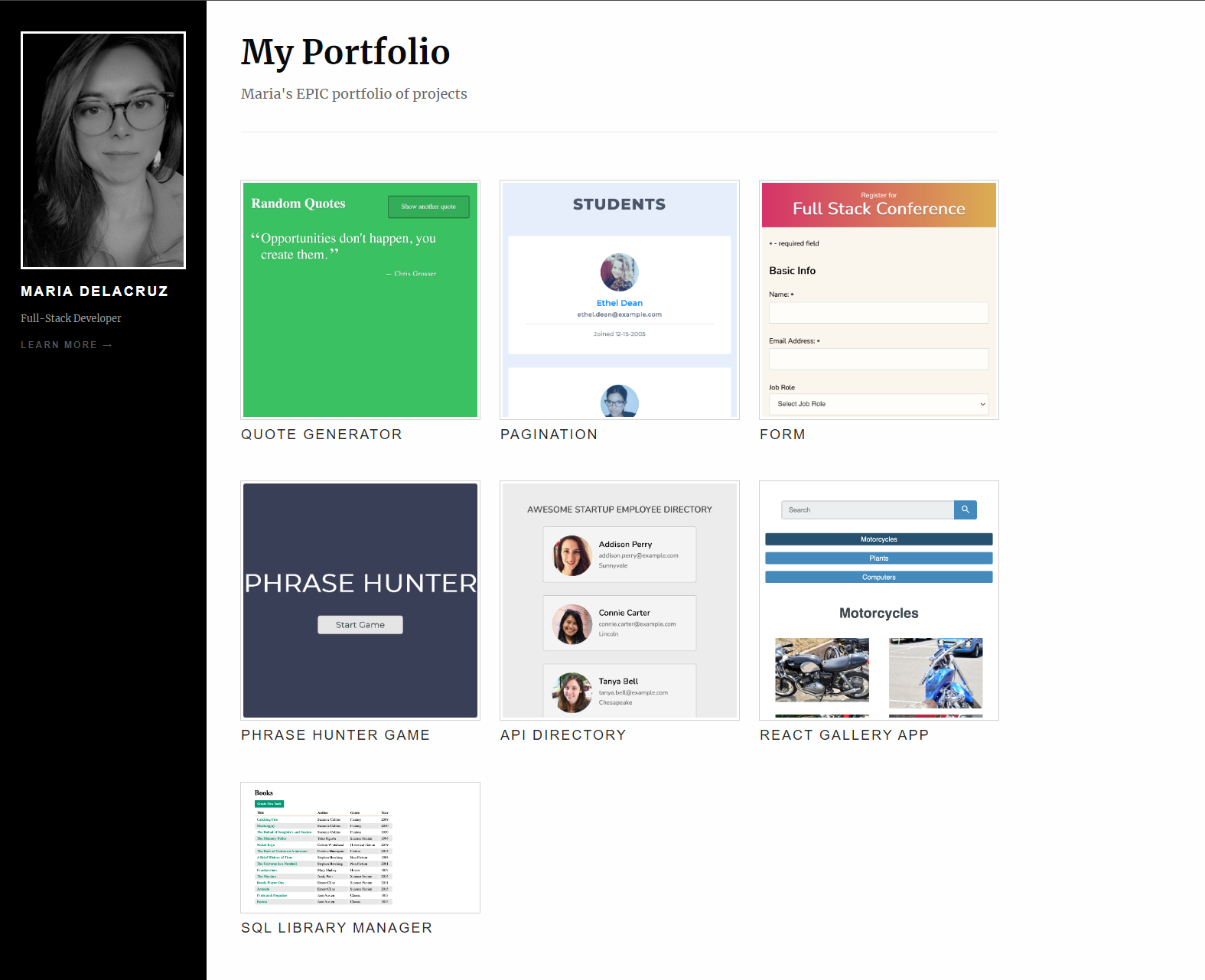
Demo
- Live demo: Portfolio
Technologies Used
- HTML
- CSS
- JavaScript
- Pug
- Express
- Node
How to Use
- Clone the repository:
First, you’ll need to clone this repository to your local machine. Open your terminal and run the following command:
git clone https://github.com/mf-dlcz/Portfolio-Projects.git
- Install Express:
To install Express type in the terminal the following command:
npm install express
- Run the project:
node app.js
This command will launch a development server, and you’ll be able to view the website locally in your web browser. If you don’t see it open the browser and type in the searchbar localhost:300